100% free — no limits
Your furniture,
your vision.
Design your custom furniture in 3D, pick your materials, and get an optimized cutting plan — right in your browser, no install needed.
No installation required.
Custom furniture at your fingertips
Built for DIY enthusiasts who want to build their own furniture without getting lost in complex software.
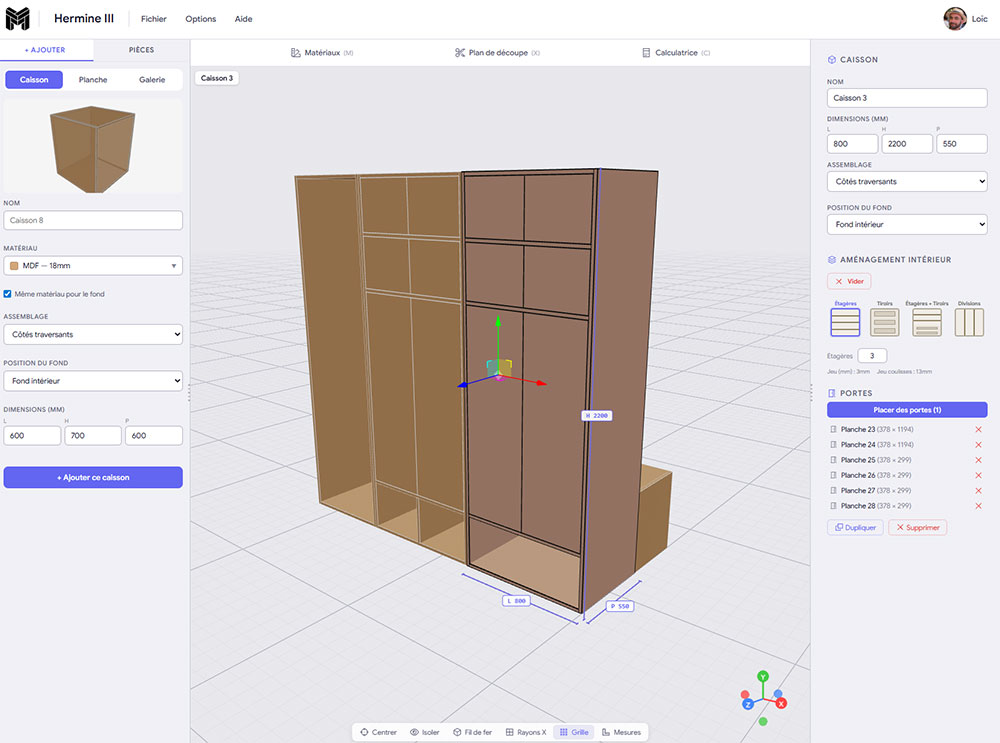
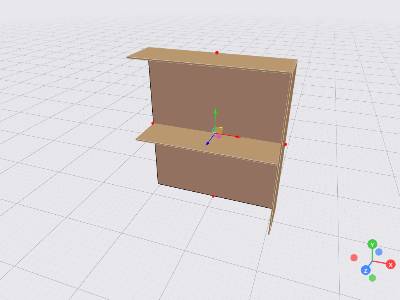
Intuitive 3D editor
Place, resize, and assemble your parts with drag and drop. Snapping, collision detection, and dimensions guide you every step of the way.
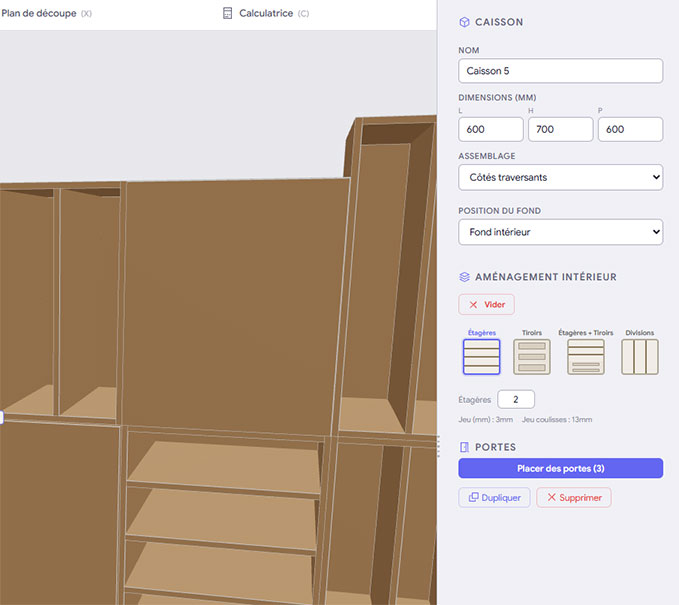
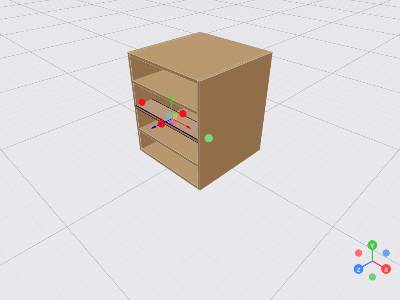
Ready-made cabinets
Add a full cabinet in one click: sides, back panel, shelves, doors, and drawers are placed automatically based on the preset you choose.
Materials and thicknesses
Build your own material library with price per m², thickness variants, and textures. Apply them part by part.
Optimized cutting plan
Built-in nesting algorithm that minimizes waste. Configure the blade kerf and your standard panel dimensions.
Multi-format export
Export as PDF (cutting plan + 3D view), Excel (parts list and costs), STL (for CNC/3D printing), or JSON.
Community gallery
Share your projects, explore others' creations, and import a design from the gallery to customize it.
Designed around cabinet-based furniture, but flexible enough for any type of project.
Quick design
Full cabinets in just a few clicks
- Interior presets — shelves, drawers, doors, vertical dividers, or a mix of everything.
- Automatic doors — detects available slots, inner or outer doors, with configurable gap.
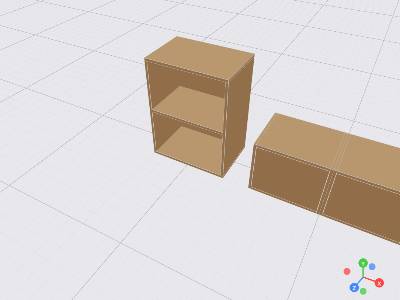
- Groups and hierarchy — organize your parts into groups and subgroups to keep control over complex projects.
From 3D to the workshop
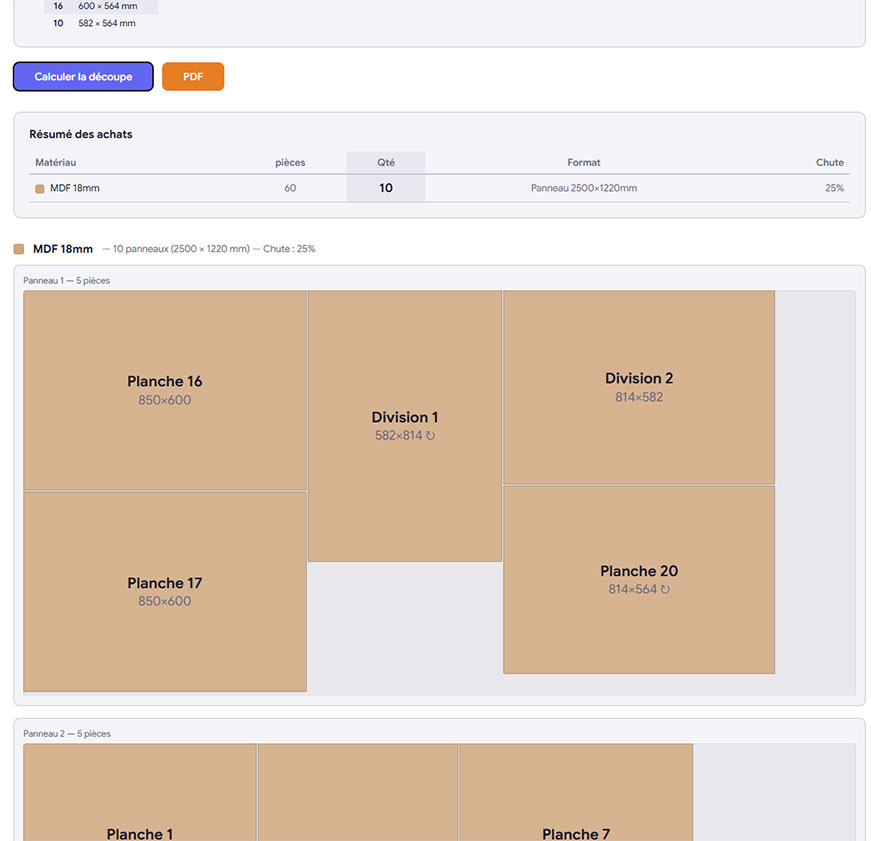
A cutting plan ready to print
- Automatic nesting — guillotine algorithm that optimizes part placement on your standard panels.
- Linear cutting — battens and bars are also optimized, with offcut calculations per standard length.
- Blade kerf — configure the saw kerf for a realistic calculation of the material you need.
- Full PDF — cutting plan, parts list, material summary, and 3D view in a single document.
All you have to do is head to your local hardware store (Home Depot, B&Q, etc.) with your cutting plan and parts list in hand, and start building your custom furniture!
And more...
Snapping
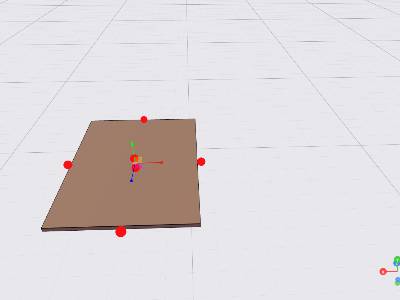
Parts snap together automatically
Dimensions
Dimensions displayed in real time
Duplicate & mirror
Copy, mirror on X or Z
Nested groups
Unlimited subgroup hierarchy
Visibility
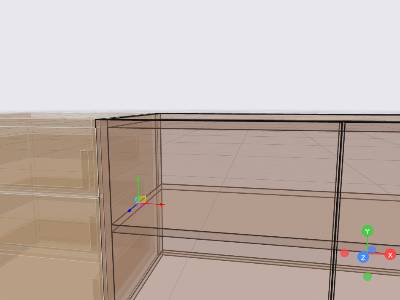
Visible, transparent, or hidden
Undo / Redo
50-action history
Easy resizing
Adjust dimensions down to the millimeter
Auto-save
Your changes are saved continuously
How it works
Create your project
Name your piece of furniture and open the editor. Add a ready-made cabinet or start from individual boards.
Customize every detail
Choose your materials and thicknesses, adjust dimensions to the millimeter, add doors, drawers, and shelves.
Export and build
Generate your optimized cutting plan, export the PDF, and head to the store or workshop with all measurements in hand.

Frequently asked questions
Is it really free?
Yes, Meublier is completely free. Every feature is available without limitations: 3D editor, materials, cutting plan, PDF/Excel/STL exports. No subscription, no in-app purchases.
Do I need to install anything?
No. Meublier runs entirely in your web browser (Chrome, Firefox, Edge, Safari). No software to download, no plugins required.
What skill level do I need to use Meublier?
None at all. The tool is designed for hobbyists and DIYers, not CAD professionals. A built-in tutorial guides you from your very first use.
How does the cutting plan work?
The algorithm collects all parts from your project, groups them by material and thickness, then places them on your standard panels (e.g. 2440 x 1220 mm) while minimizing waste. You configure the blade kerf and panel dimensions. The result is exported as a PDF with a visual layout panel by panel.
Can I export my project for a CNC?
Yes. The STL export generates a 3D file compatible with most CAM software and CNC machines. You can also export as JSON for custom processing.
Are my projects saved?
Yes. Every change is automatically saved to your account. You can access your projects from any device by logging back in.
What is AI generation?
You describe the furniture you want in a few words (for example, "a 180 x 80 cm bookcase with 4 oak shelves") and the AI generates a complete 3D model that you can then freely modify in the editor.
Ready to design your next piece of furniture?
No installation, no payment. Create your account and start designing.